Project Author
Bring a real project of a Team and write Exercises on its own codebase.
You bring the real projects of your Organization to Diffensive. A Project belongs to a Team and collects the context, requirements, specifications and Review Guide of a site, with Exercises written on its own code. Only the members of its Team see them: other Learners, Authors and the Platform Admin do not.
The Organization Manager gives you the role from your account page, and decides who is in each Team.
On a development instance, sign in as project.author@example.com from the development sign-in page to follow along.
-
Create a Project
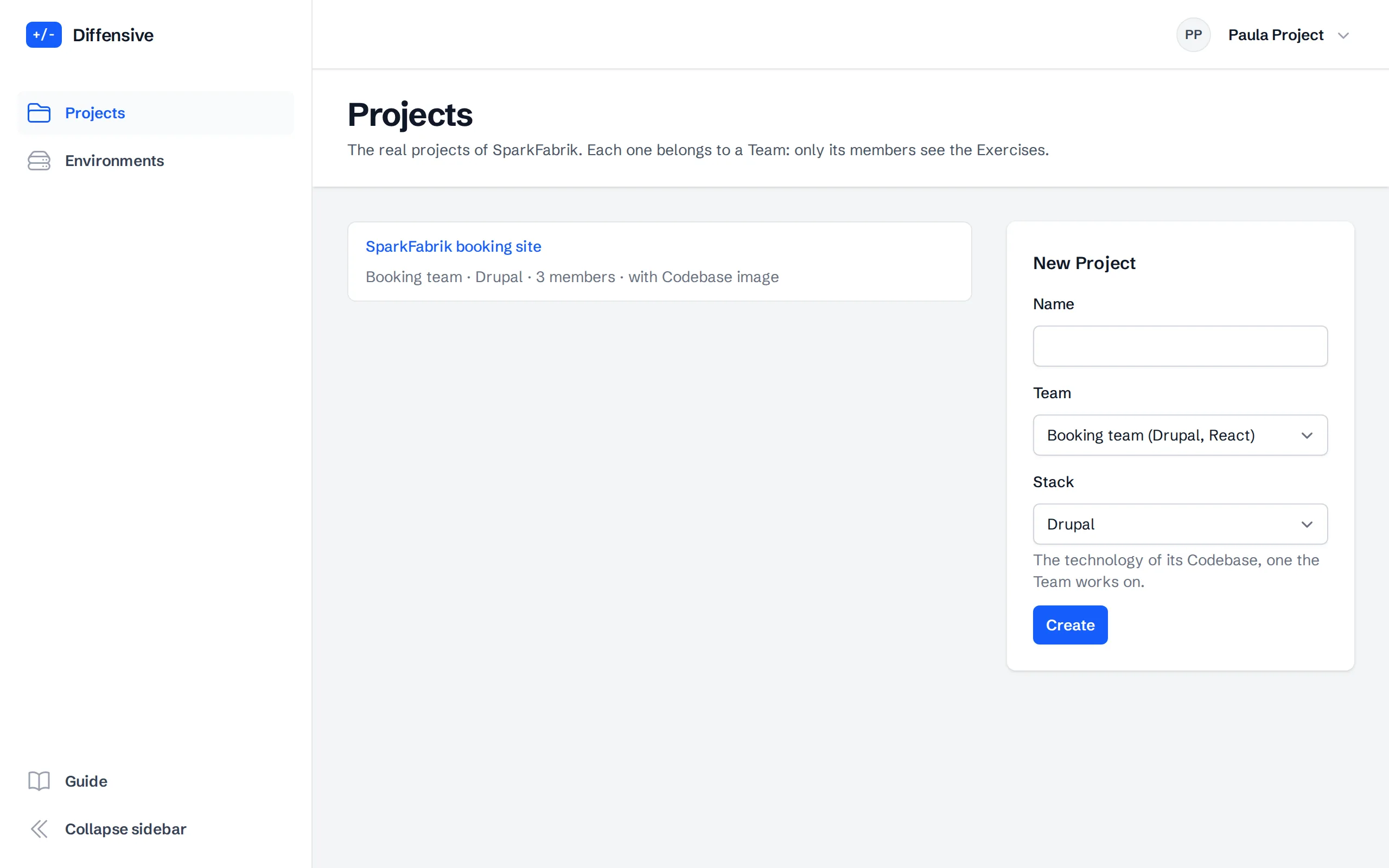
Choose Projects in the menu. The list shows the Projects of the Organization, with their Team, how many people see them and whether they have a Codebase image. Give a new Project a name, choose its Team and the Stack of its Codebase, one the Team works on, and choose Create.
-
Describe the project
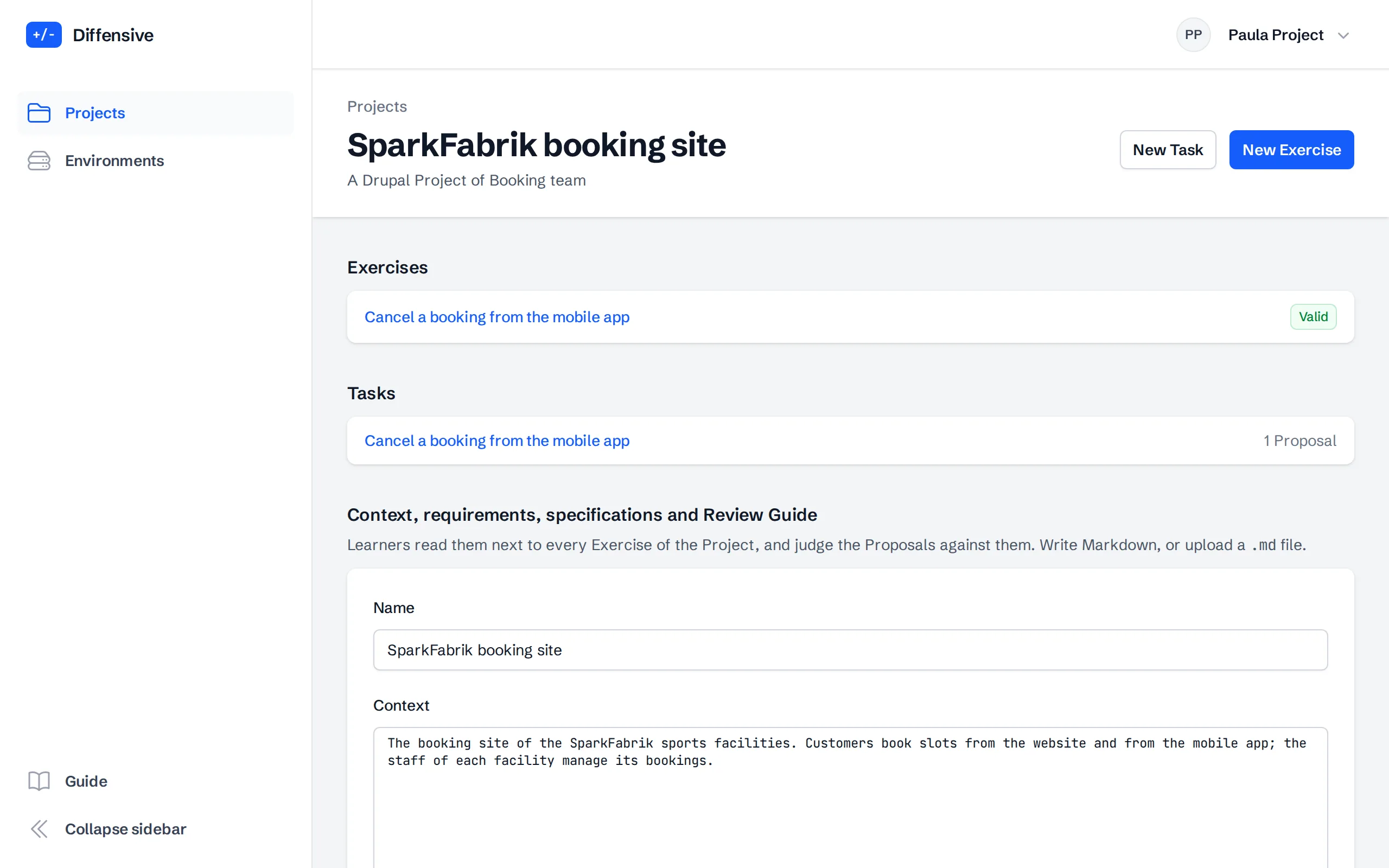
On the page of the Project, write its Context, Requirements, Specifications and Review Guide in Markdown, or upload them as
.mdfiles. Learners read them next to every Exercise of the Project and judge the Proposals against them: a change can be correct code and still break a requirement.The Review Guide says what failure looks like in the Project, which paths are risky and what a reviewer can ignore. It also guides the expected Risk of the Exercises you write, and the AI reviewers of the Reviewer Benchmark receive it.
The Codebase image is optional: an image of the site that the platform runs for Environments and Evidence. Without it, Learners get no Environment and Findings are matched by location. The Reviewer Benchmark runs on the Exercises of a Project with the AI providers that the Platform Admin chose for Projects, Anthropic only unless changed, and sends them the documents and diffs of the Project. The note under the form names them; without any provider, the benchmark does not run.
-
Give access to a private registry
When the Codebase image is in a private registry, give the platform a read-only token, such as a GitLab deploy token with
read_registry. The token is stored encrypted, is never shown again, and is used only to pull the image at each validation.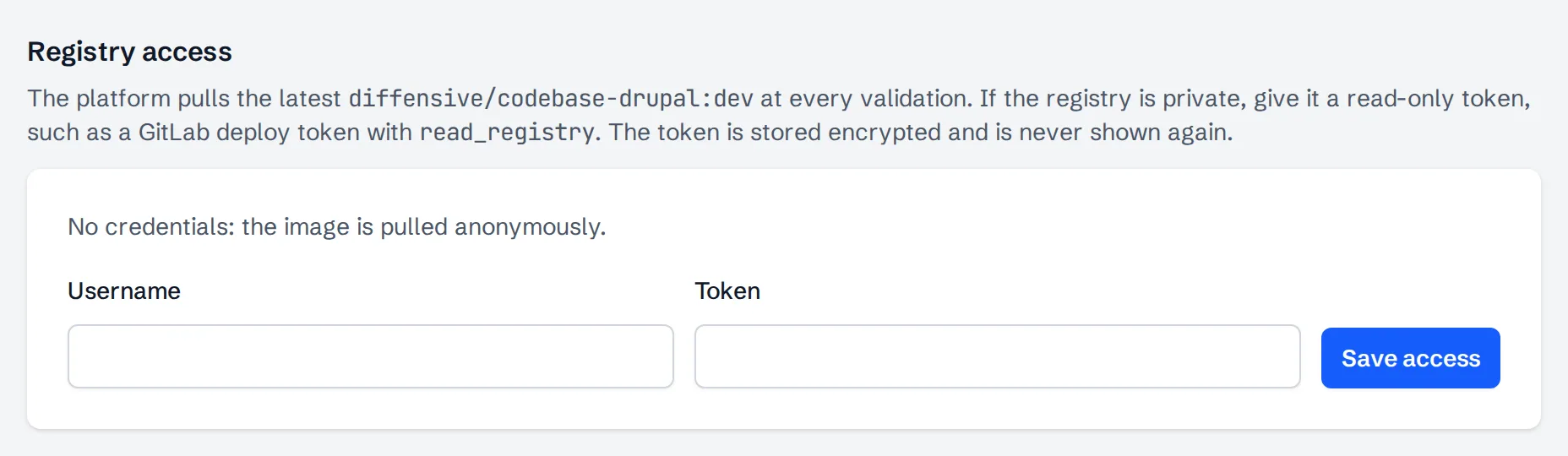
-
Check who sees the Project
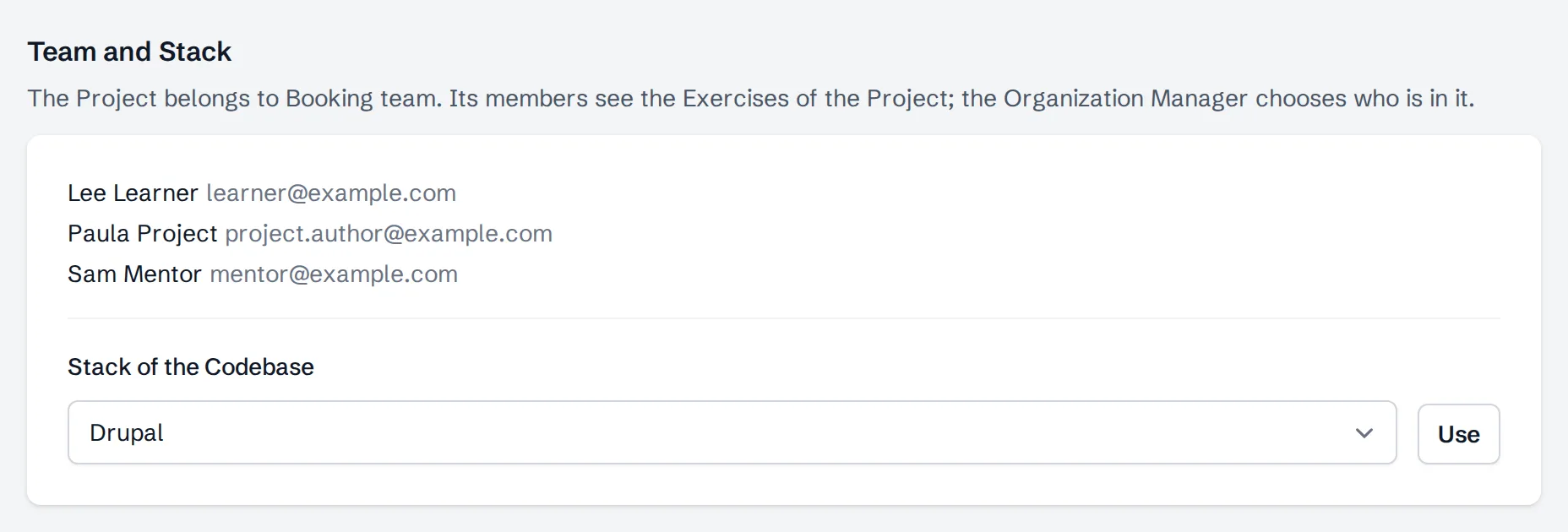
Under Team and Stack, the page lists the members of the Team that owns the Project. Its Learners find the Project at the top of their path; the Organization Manager chooses who is in the Team. Use changes the Stack of the Codebase, and Move gives the Project to another Team that works on the same Stack.
-
Write the Exercises of the Project
New Task and New Exercise open the same editor the Authors use, inside the Project. Write the Task, add the Proposal of an agent on the code of the Project, write its Defects with their Reference Fixes and Evidence and, for each Defect, its Accepted and Wrong Solutions, then Validate and Publish. The Author guide describes each step.
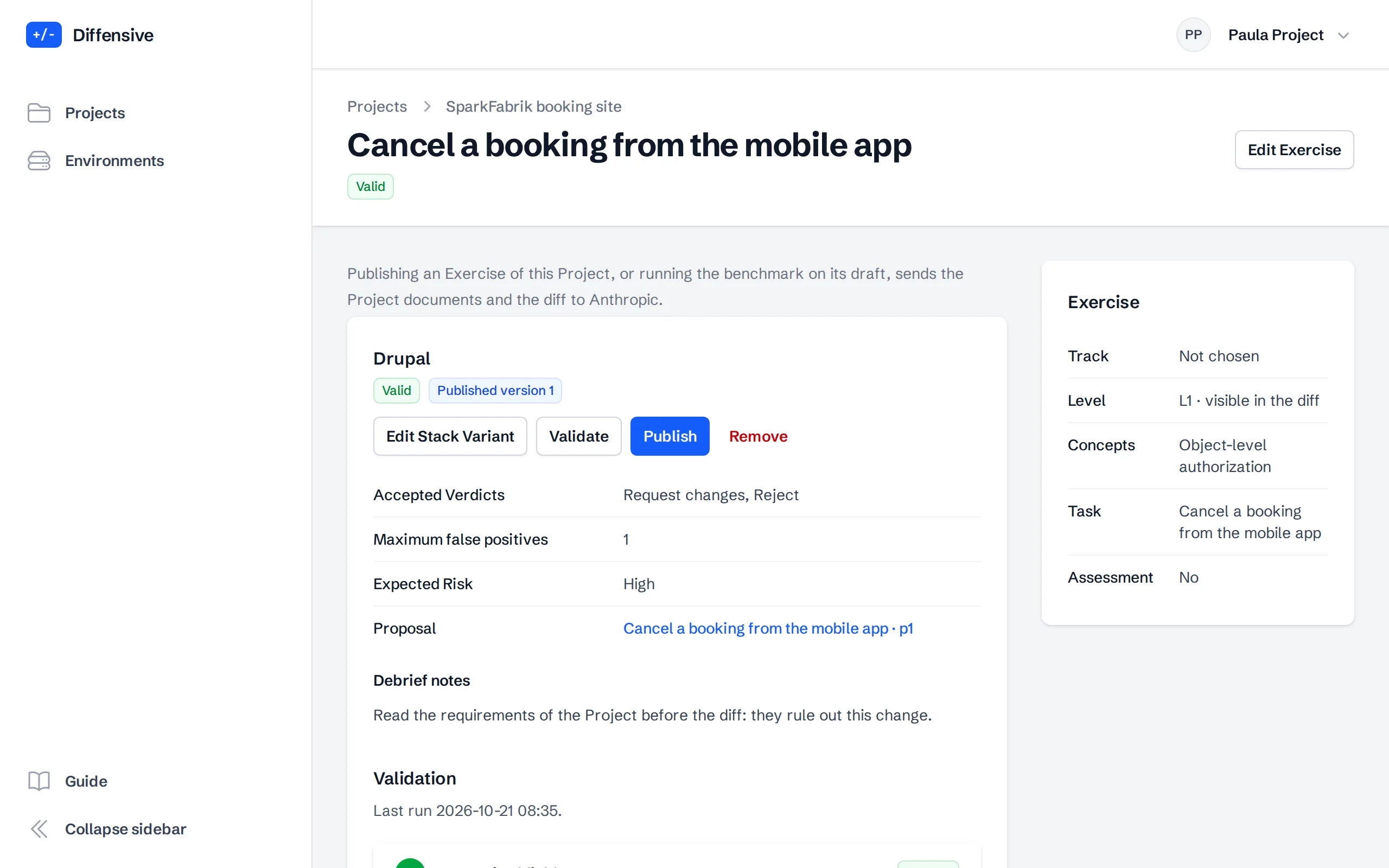
Use the Debrief notes to send the Learners back to the requirements of the Project when they explain a Defect.